Works with Canvas

Your deadlines,
at a glance.

A physical reminder of any upcoming tasks. Plug it into power and setup once, and then it wirelessly syncs and let's you know anytime you've got work coming up. No more endless notifications or having to remember to write in a planner.

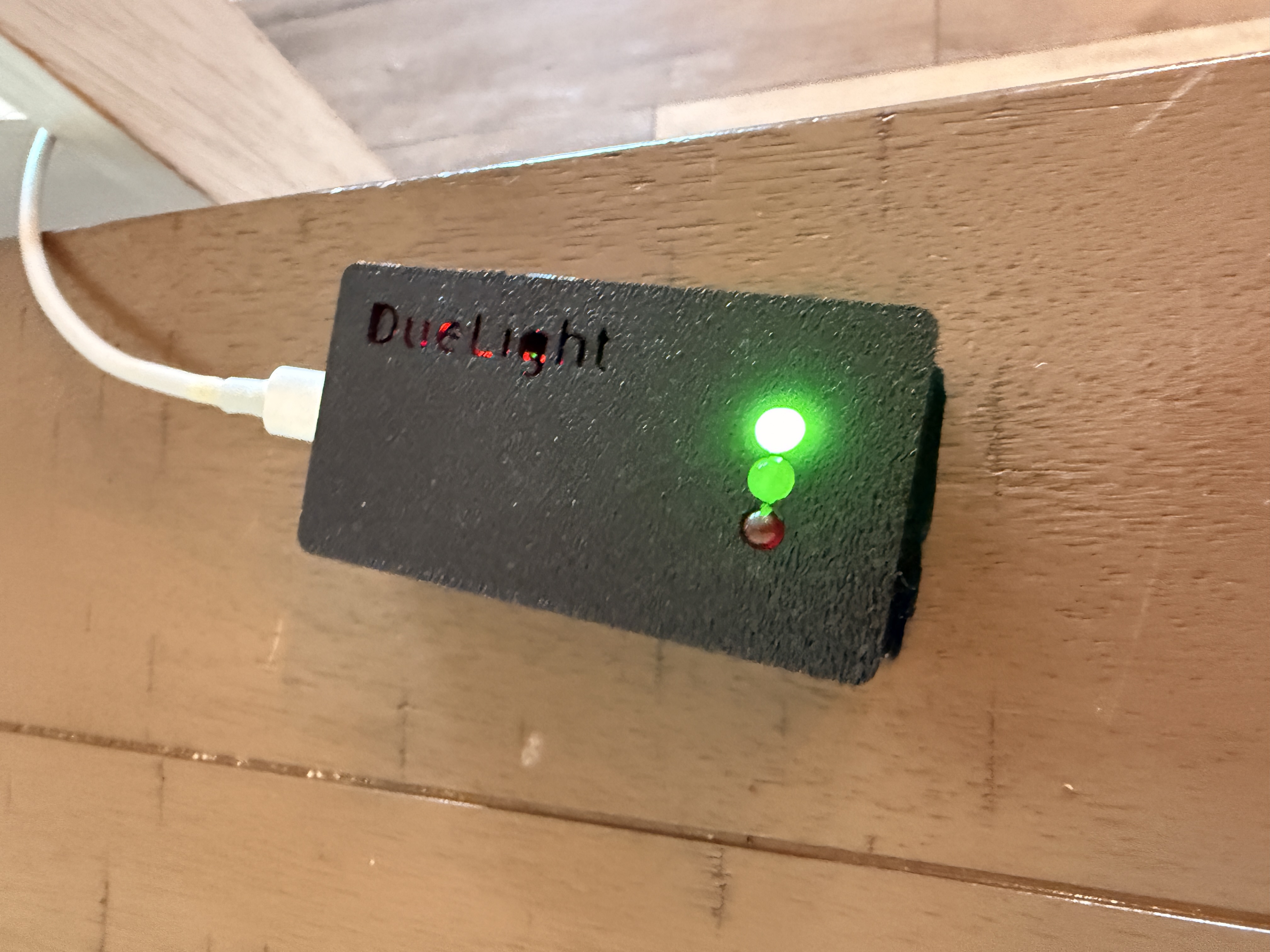
Due Light device showing green LED

Setup

Set up in minutes. Just Works.

01

Plug it in

Plug your Due Light into any USB-C power source, the same kind for phones. Once it lights up it makes its own WiFi hotspot, but before you connect you need to get your access key from Canvas.

02

Set it up from a computer

Go to whatever Canvas account you want to monitor, this has to be on a computer on the website, not the Canvas app, and then go to settings and scroll down to approved integrations. Make a new access token, copy it, then join the Due Light hotspot, put in your home WiFi info, paste the Canvas key, and voila!

03

Leave it alone (for 120 days)

Now — unless I did something wrong — you shouldn't have to touch your Due Light again... until Canvas makes you make a new access key. I'm not a big company so Canvas won't let my access keys for Due Light stick around forever like for Google Drive.

So your Due Light won't be able to see and track your assignments after 120 days, but don't worry, it'll blink and let you know, and then all you do is go to your settings website on your home WiFi, make a new Canvas key and then you're all set for another 120 days. Maybe if you help me sell enough units I won't have to make you do this anymore!


The light

One look tells you everything.

Green — All good

No assignments due within the deadline window you set up. Nothing to worry about.

Yellow — Due soon

Something is due within the next few days. Time to open Canvas maybe?

Red — Due today (or whenever you set)

An assignment is due today, or whenever you set red to light up! Time to stop procrastinating and start working.


The maker

Why I built this.

I started Due Light because if I forgot an assignment, it wasn't because I didn't care, it was because I forgot it existed. Sure I could get a planner, set reminders, but that requires effort.

With Due Light I only have to remember to set it up once, not every time I get a new assignment. From then on it's always in the background, a constant reminder for me if I have work to do. No notifications that get lost, no need to set a reminder.


Before you buy

What you need to know.

Works with Any school using Canvas
Setup time About 5 minutes — needs a computer for one step
Power USB-C wall plug, or any USB-C power source
WiFi Standard home WiFi network required
Canvas access Requires access to the Canvas account to monitor
Updates Automatic — no action needed
Subscription None — one-time purchase
Warranty Rory's Guarantee — reach out with any issues, I'll help you out.
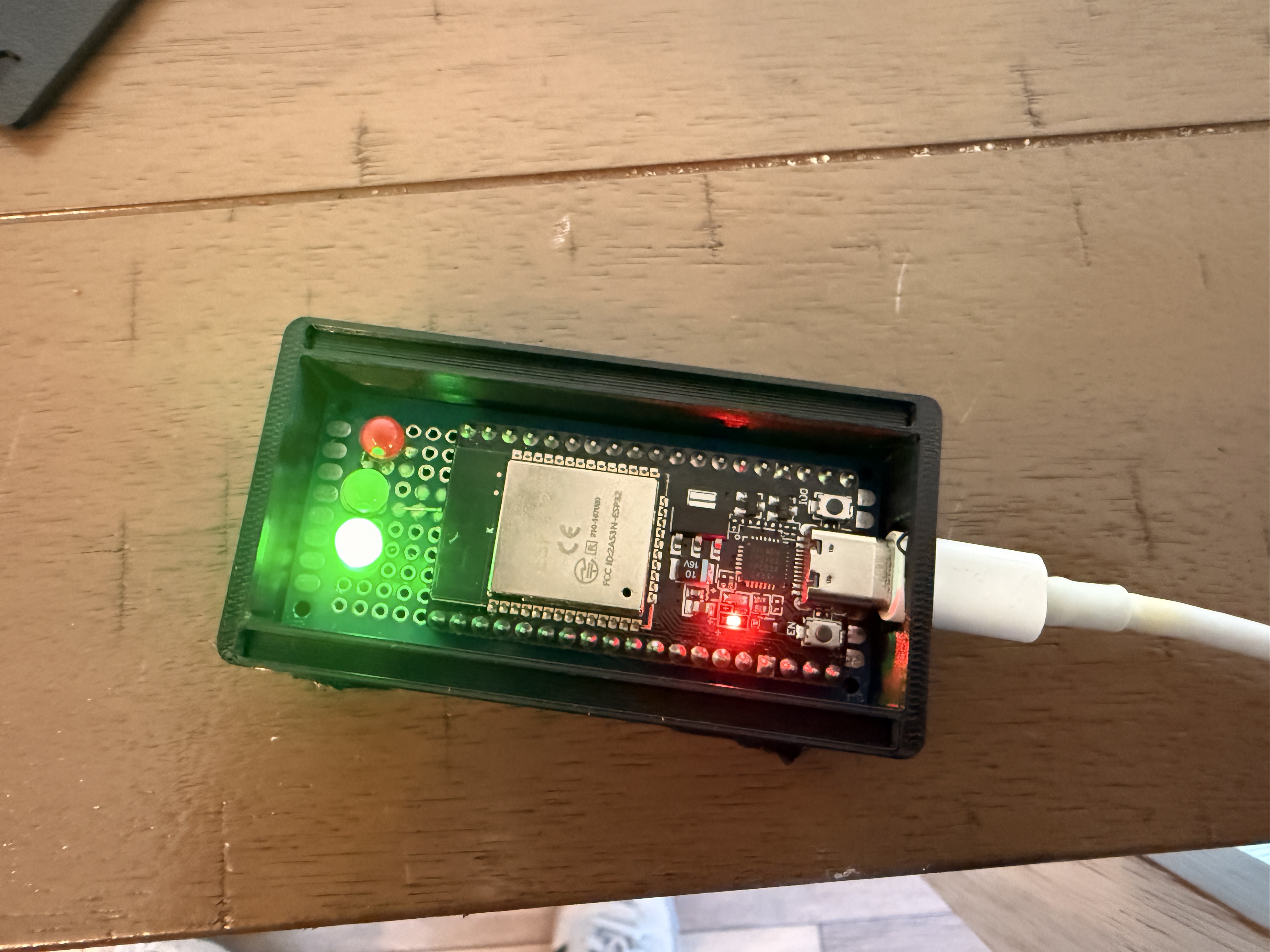
Inside a Due Light — hand-soldered ESP32 board

I hand assemble and solder every unit, and test it myself before shipping.

Technical specifications
ProcessorESP32 dual-core 240 MHz
ConnectivityWiFi 802.11 b/g/n (2.4 GHz)
Power draw5V / ~100mA via USB-C
Indicators3× high-brightness LEDs
Delivery

Now Shipping!

Where

Local delivery only + Shipping to the US

I'm set up to ship out Due Lights now. If you are local to Spring City, 19475, no need to pay for shipping, just deselect shipping at checkout and I'll deliver it to you personally.

How

I'll reach out after you order

Once you place an order you'll receive a confirmation email, and then an email when it is shipped or when I'm ready to deliver it if you are local to me.


Reviews

What people are saying.

Loading reviews…

Leave a review


Due Light — Device
$20
One-time purchase. No subscription.
  • Due Light device included
  • Works at any school that uses Canvas
  • Plugs into a wall outlet
  • Takes about 5 minutes — needs a computer to set up
  • Updates itself automatically over WiFi
  • Rory's Guarantee